
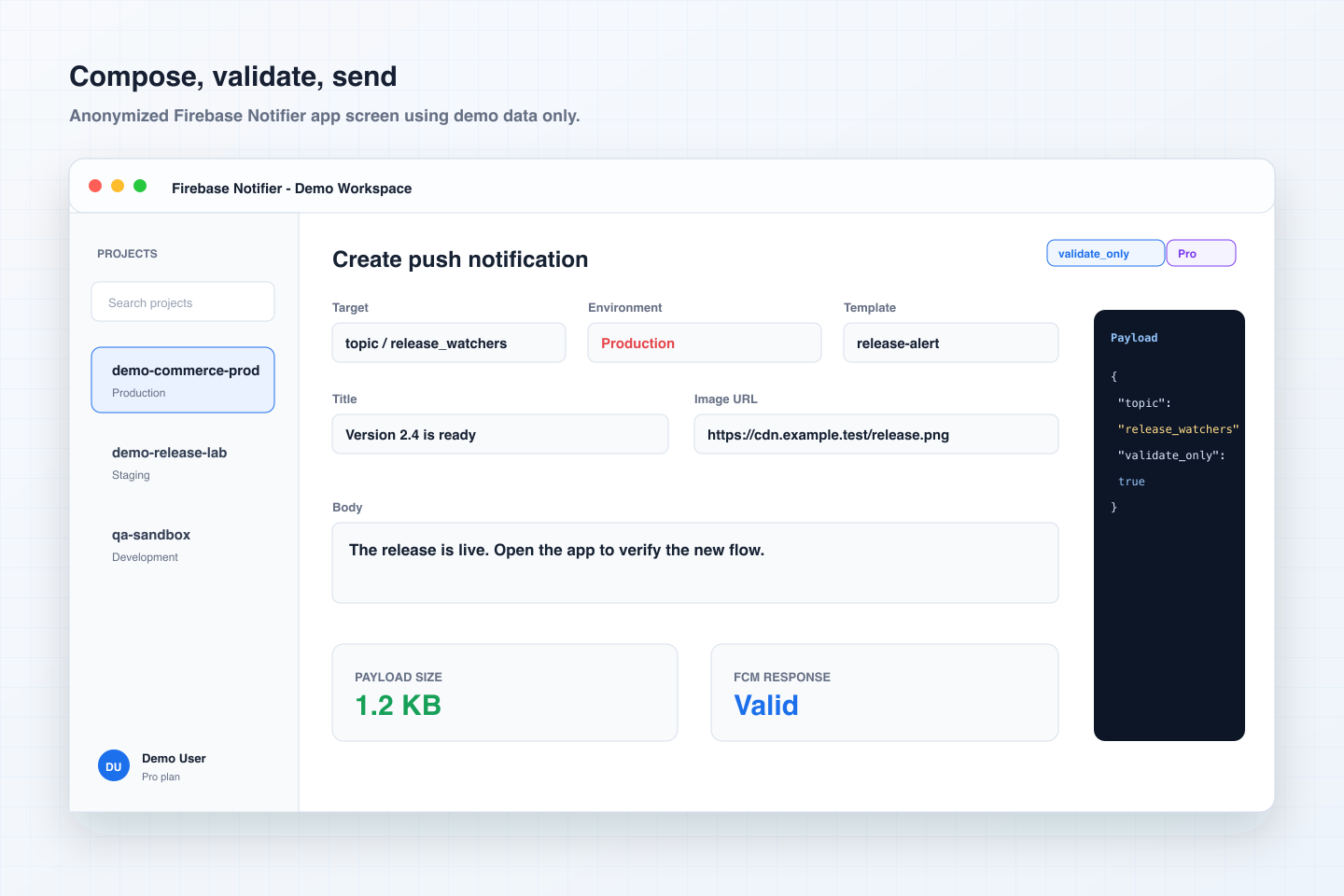
Composer
Create a push, choose the target, validate the payload, and inspect JSON before sending.
Postman for FCM push notifications
Firebase Notifier brings a visual editor, precise JSON payloads, FCM validation, history, templates, and scheduling into a native app for iPhone, iPad, and Mac.
Product screens
Every visual on this page uses safe demo data: no real user name, email, token, or Firebase project appears in the website assets.
Create a push, choose the target, validate the payload, and inspect JSON before sending.
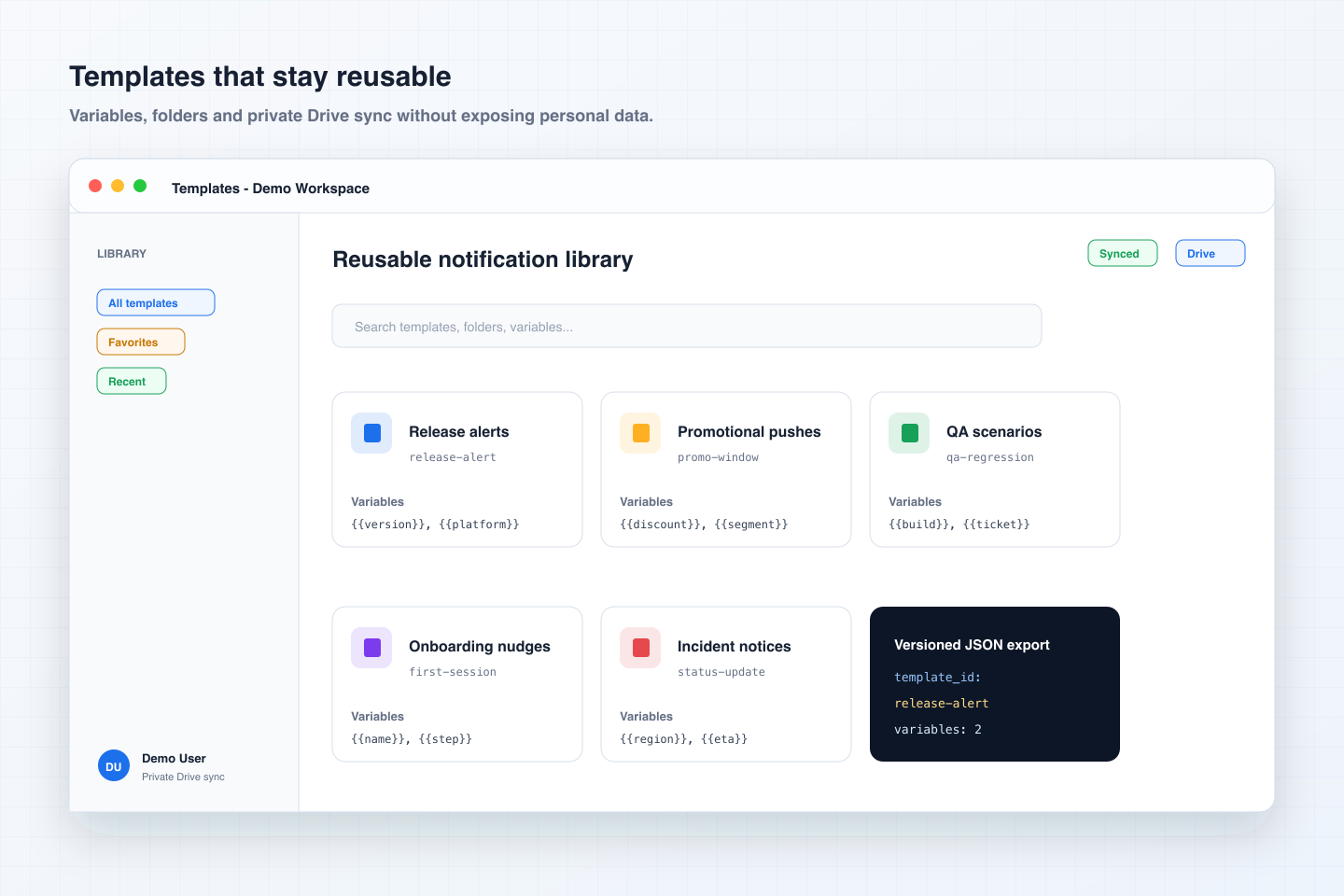
Organize reusable messages with variables, favorites, folders, and private sync.
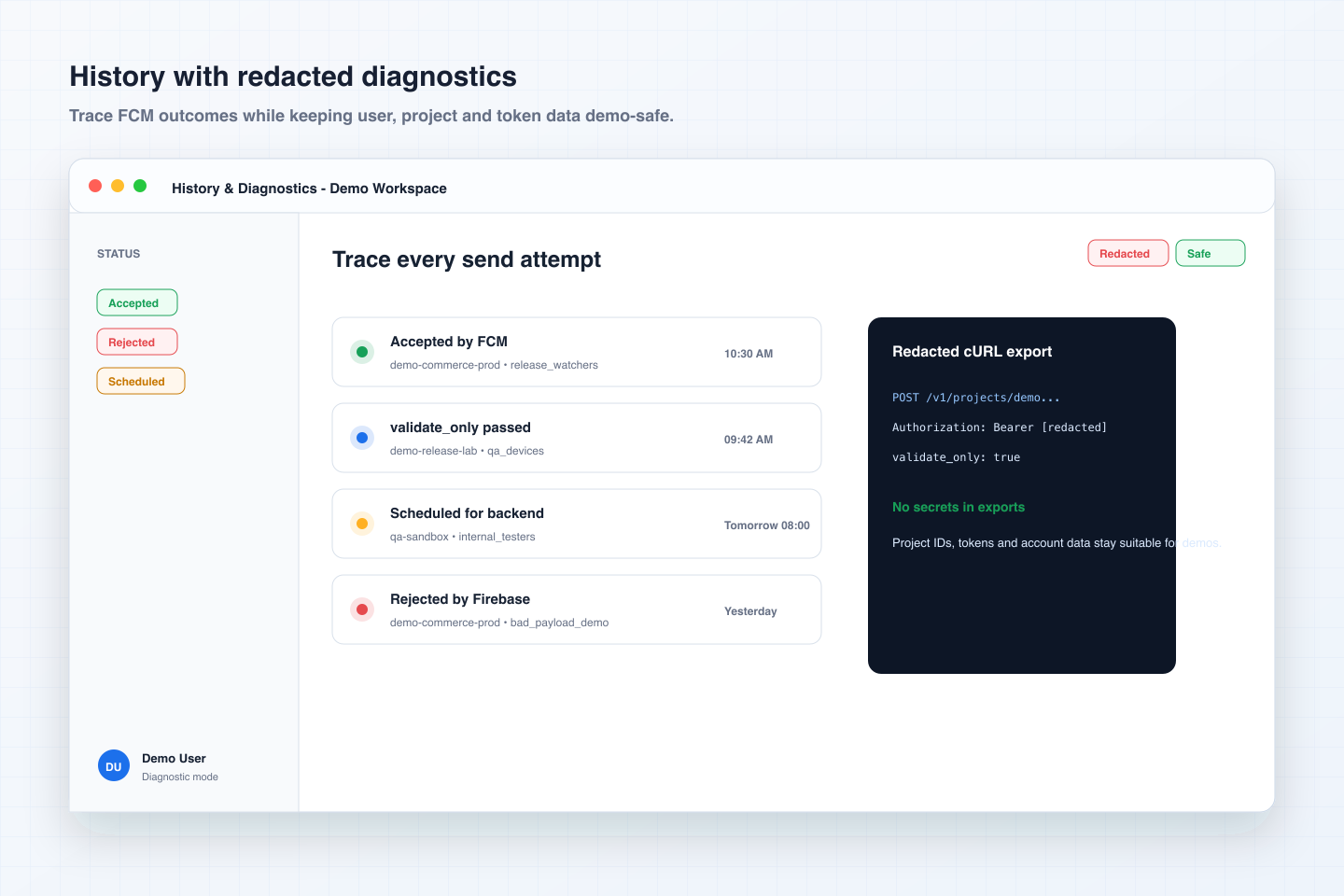
Review FCM status, export redacted diagnostics, and keep secrets out of screenshots.
Firebase Notifier
Keep the control of a developer tool while giving QA and product teams a clean way to prepare repeatable push scenarios.
Test a token, topic, or condition, inspect exact JSON, and export a redacted cURL command.
Reuse messages, prepare scenarios, filter history, and schedule validation runs ahead of time.
Keep templates and history on Mac and iPhone with a coherent native experience.
FCM HTTP v1
A single NotificationDraft remains the source of truth. Form and JSON stay synchronized without silent loss.
Local checks for target, size, and payload, plus FCM validate_only when you need confirmation from Firebase.
Each attempt keeps project, date, status, payload, and useful response details for repeat tests and diagnostics.
Turn recurring messages into templates, organize them, duplicate them, and use variables.
Prepare a notification now and let the single-instance backend execute it at the planned time.
Templates, history, and schedules can stay synced through the private appDataFolder.
validate_only
Free / Pro / Max
Create, view history, and prepare templates.
Reuse history, send from templates, sync Drive, and increase scheduler capacity.
Unlock the highest server quotas for active schedules.
appDataFolder